Executing Payloads
Executing Your Payload
The NJCTR300 provides two ways to launch your payload - via remote WiFi trigger and by auto-launch when connected. First lets look at remote trigger.
Remote trigger is useful when we encounter locked unnatended machines. We can connect the device and wait for the user to authenticate. We can then observe the target machine from a standoff distance and trigger the payload once it is unlocked.
To remotely trigger a payload:
- Go to the Payloads List: Navigate to the payloads list in the web interface, where you’ll see
Welcome_Payloadlisted.
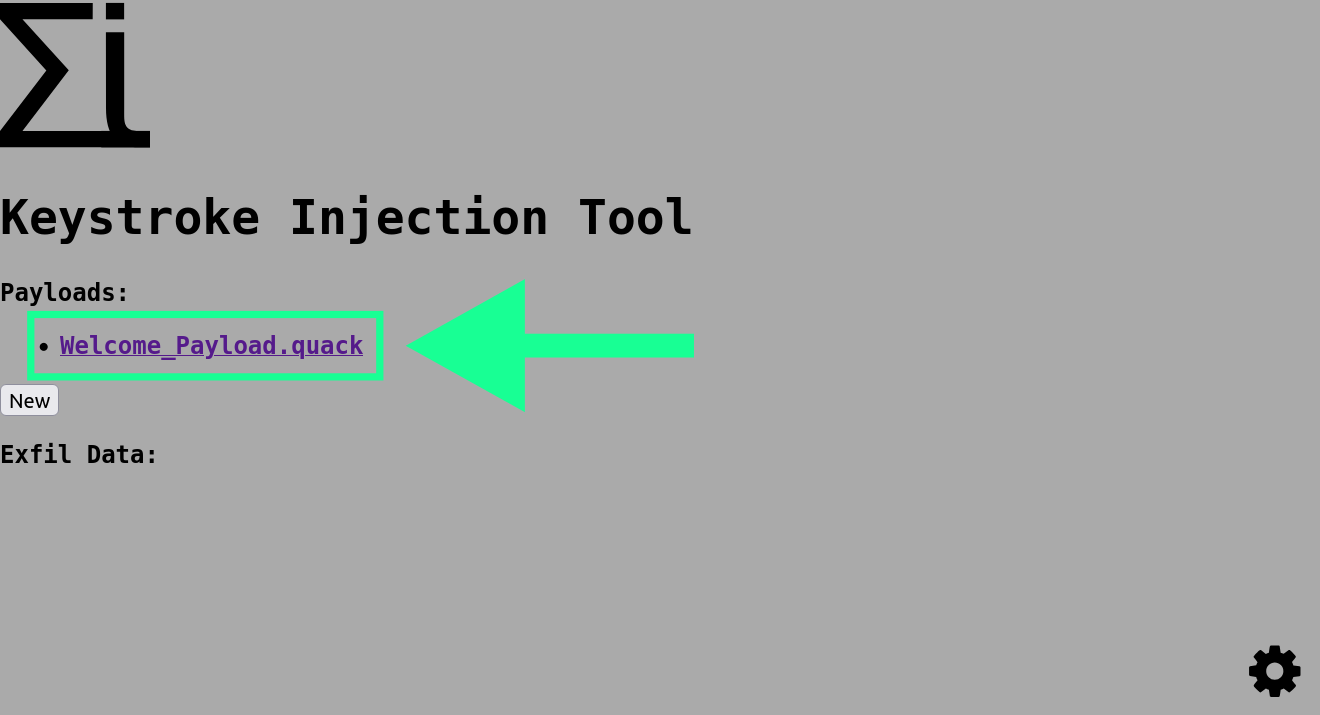
- Run: Click the green “Run” button to run the payload.
This simple payload will now launch notepad on Windows and enter the text Welcome to NJCTR3000!
We can also have a payload trigger immiediatly when it is connected to the target machine. This is great when time is of the essence and we don’t need to wait for the device to be unlocked - or we have configured our payload to handle authentication for us.
To run a payload using auto-launch.
- Auto-Launch: Earlier we set the “Launch on startup” option to true. This means that the device will launch that payload as soon as it has started up. Disconnect the device now
Now reinsert the device - once it is booted the payload should run again. This will happen for any payload we save with the “Launch on startup” option checked.
- Arming mode: When we’re developing payloads we don’t want the device to fire on our own machine. Reconnect the device - when you see the Sigma Iota logo hold the button and keep it held.
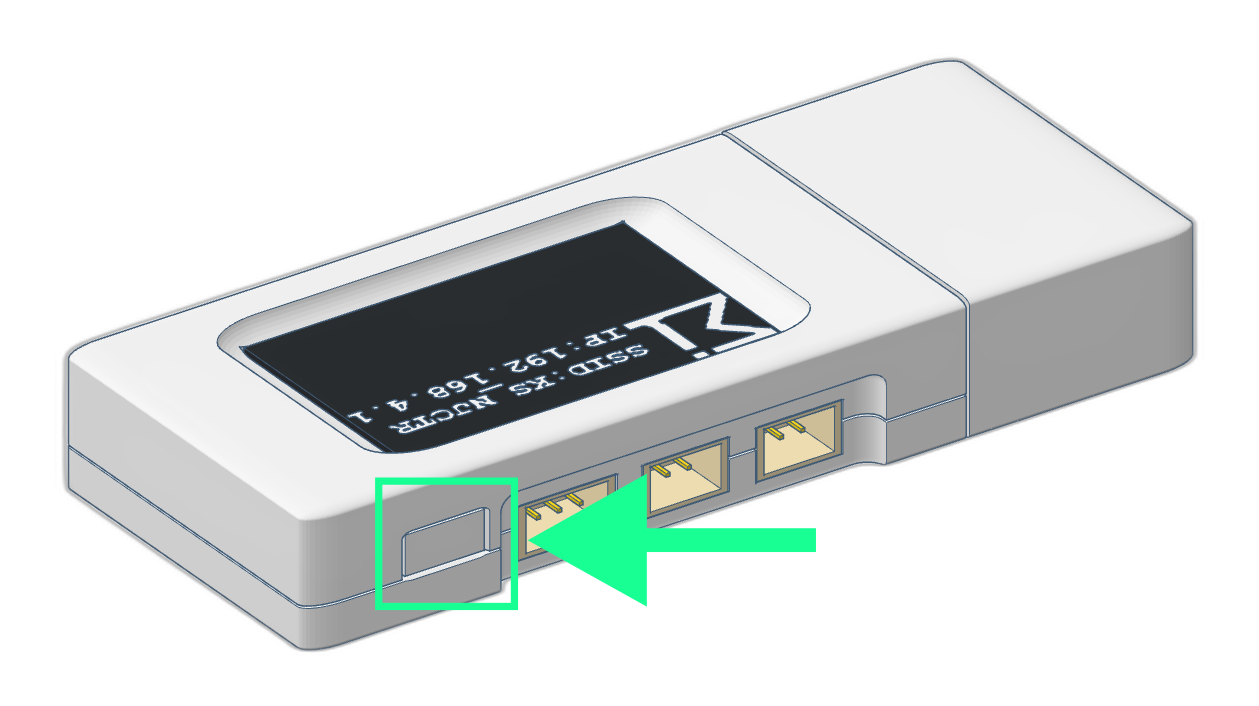
The display should now display the text ARMING MODE. The device will not run the auto-launch payload and you can now connect to the device and develop your payloads as normal.
And that’s it! You’ve successfully connected to your NJCTR3000 device, created a simple payload, and executed it. In the following sections, we’ll dive deeper into more advanced payload configurations, WiFi settings, and security features.
Welcome to the NJCTR3000 community—we’re excited to see what you’ll create!